If you’re responsible for keeping media content flowing — between teams, partners, locations, and storage systems — you know how chaotic file transfers can get. Files come from everywhere and need to go everywhere else, fast. With multiple stakeholders, tools, and storage locations involved, staying on top of it all can be overwhelming.
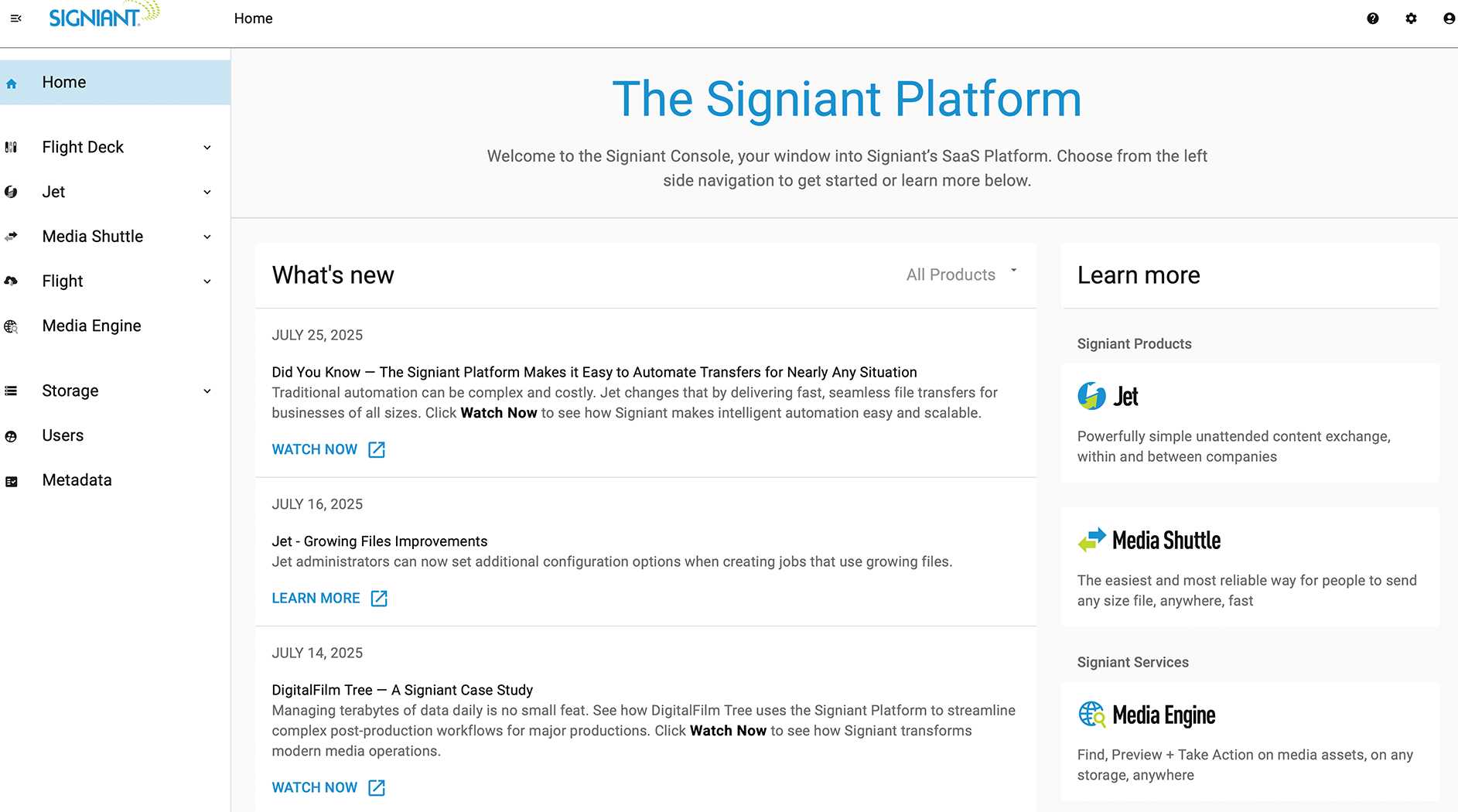
That’s why we created the Signiant Console — your control tower for file movement and media access across the unified Signiant Platform’s transfer operations.
One Place to See It All
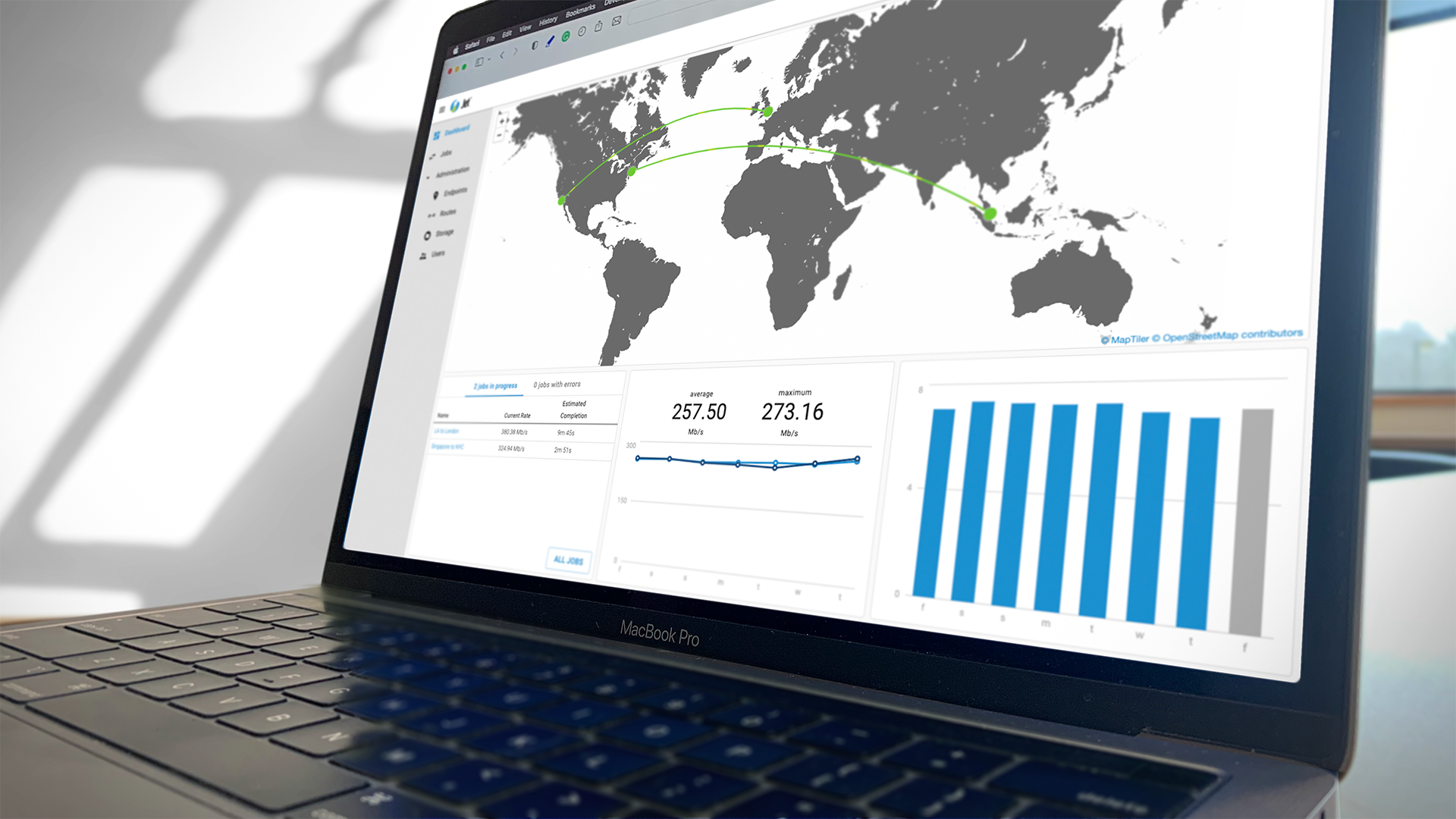
For Signiant SaaS products, this dynamic console provides a single pane of glass to manage, monitor, and optimize your media operations — across people, processes, and infrastructure. More than just a dashboard, it’s a centralized control hub that gives managers and administrators the clarity and control to keep operations running smoothly, with select Media Shuttle capabilities already available and more on the way.
From this unified interface, you can:
- Create and customize automated transfer jobs tailored to specific workflows
- Configure rules and triggers to move content based on schedules, events, or metadata
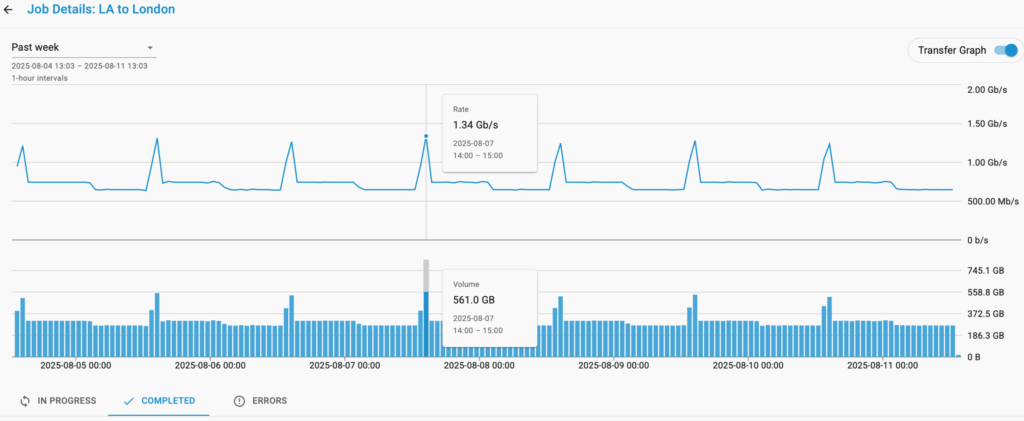
- Monitor job health & performance metrics to catch issues early and keep operations flowing
- Drill into rich transfer details, including file-level metadata, timing, and endpoints
- Manage bandwidth policies to protect network performance and prioritize key transfers
- Search and export job history, ensuring traceability for audits and reporting
And as storage environments become more distributed and complex — spanning cloud, on-premises, and hybrid systems — the console brings order to that sprawl with centralized storage visibility.
From a single view, you can:
- Track and assign connected storage across all jobs and portals
- Visualize where files are coming from and going to, whether that’s Amazon S3, Azure, a local SAN, or a remote NAS
- Ensure transfers are secure, efficient, and correctly routed, no matter where the content lives
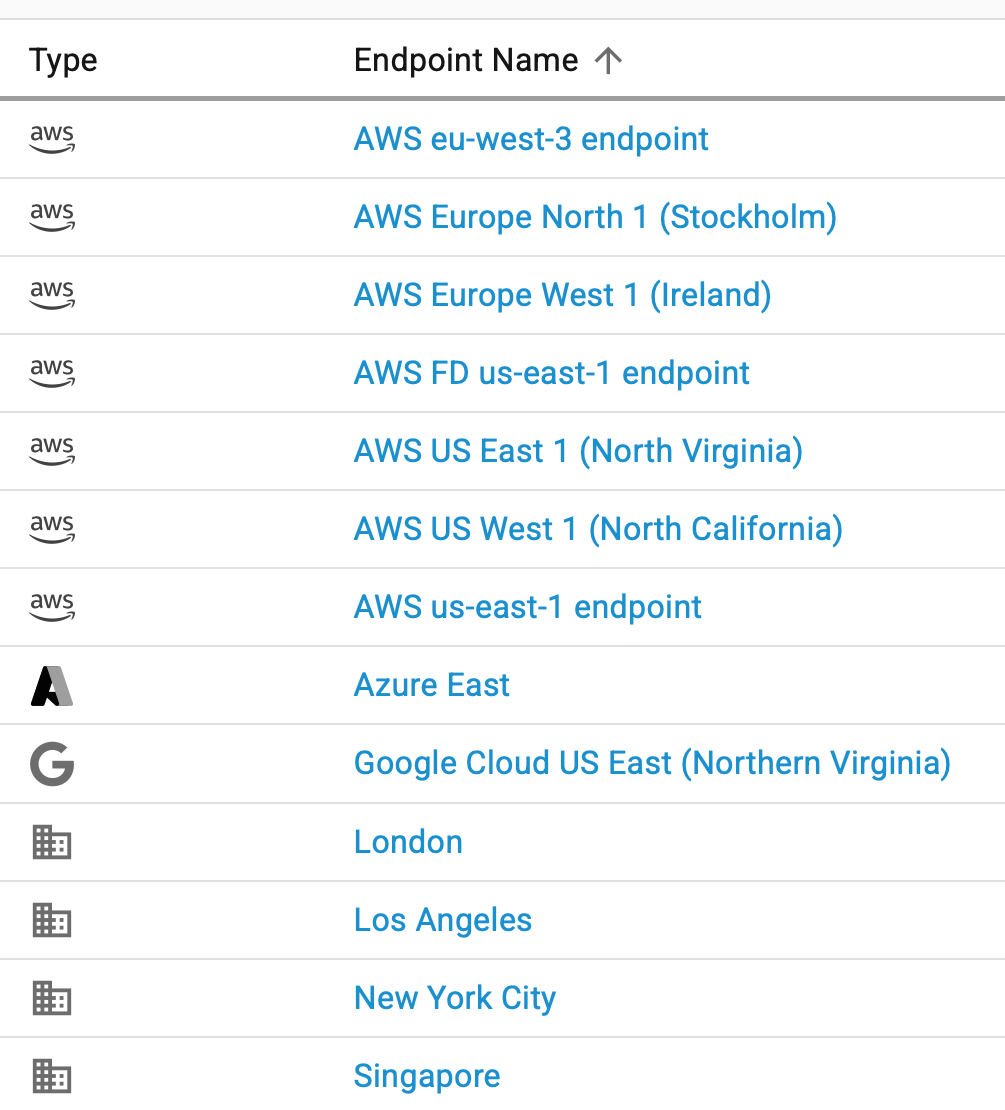
With the Signiant Console, everything you need to run modern media operations — workflow automation, transfer oversight, and storage governance — is all in one place, designed to simplify the complex and help you move faster with confidence.
Built for IT, Designed for Control and Visibility
Managing file transfers can feel like a game of whack-a-mole — solving issues as they pop up across disconnected systems and tools. With the Signiant Console, IT administrators get a single pane of glass to monitor, manage, and optimize their entire media transfer environment.
Whether you’re overseeing hundreds of automated jobs or troubleshooting one delayed delivery, the Signiant Console helps you:
It’s about giving you more control and confidence, with less manual work — all from one place.
A Single Pane of Glass for Modern Media Operations
By centralizing operations in one intuitive interface, the Signiant Console transforms how IT teams manage media workflows. It replaces scattered tools and reactive troubleshooting with a streamlined, proactive approach—making it easier to control even the most complex file movement environments.
In today’s fast-paced, hybrid, and global media landscape, the console helps you keep everything connected, secure, and running efficiently. It’s not just about visibility—it’s about making modern media operations easy to control as they are powerful to scale.
You can always find the latest features and documentation on Signiant’s Help Site.
Explore More Resources
View All
Lost in Space: Bringing Premium Workflows to Every Project

Aspyr Media Brings Iconic Games Back to Life with Signiant