5 Things Slowing Your Content Delivery Approvals
October 14, 2026
6 min read
Content suppliers come in every shape; post-production houses with dedicated delivery teams, agencies and in-house teams handling delivery alongside other work, independent producers, freelancers, one-person shops. They all share the same basic situation: finished material has to be delivered to a receiver, and the receiver has specifications the package must meet.
The size of your team doesn’t change the basic problem. Volume, time pressure, and the inevitable ambiguity in any spec document mean some failures are going to happen, even with good people doing careful work. When one happens, the cost is mutual: the receiver loses queue time and downstream slot, the supplier loses time and people from whatever was next.
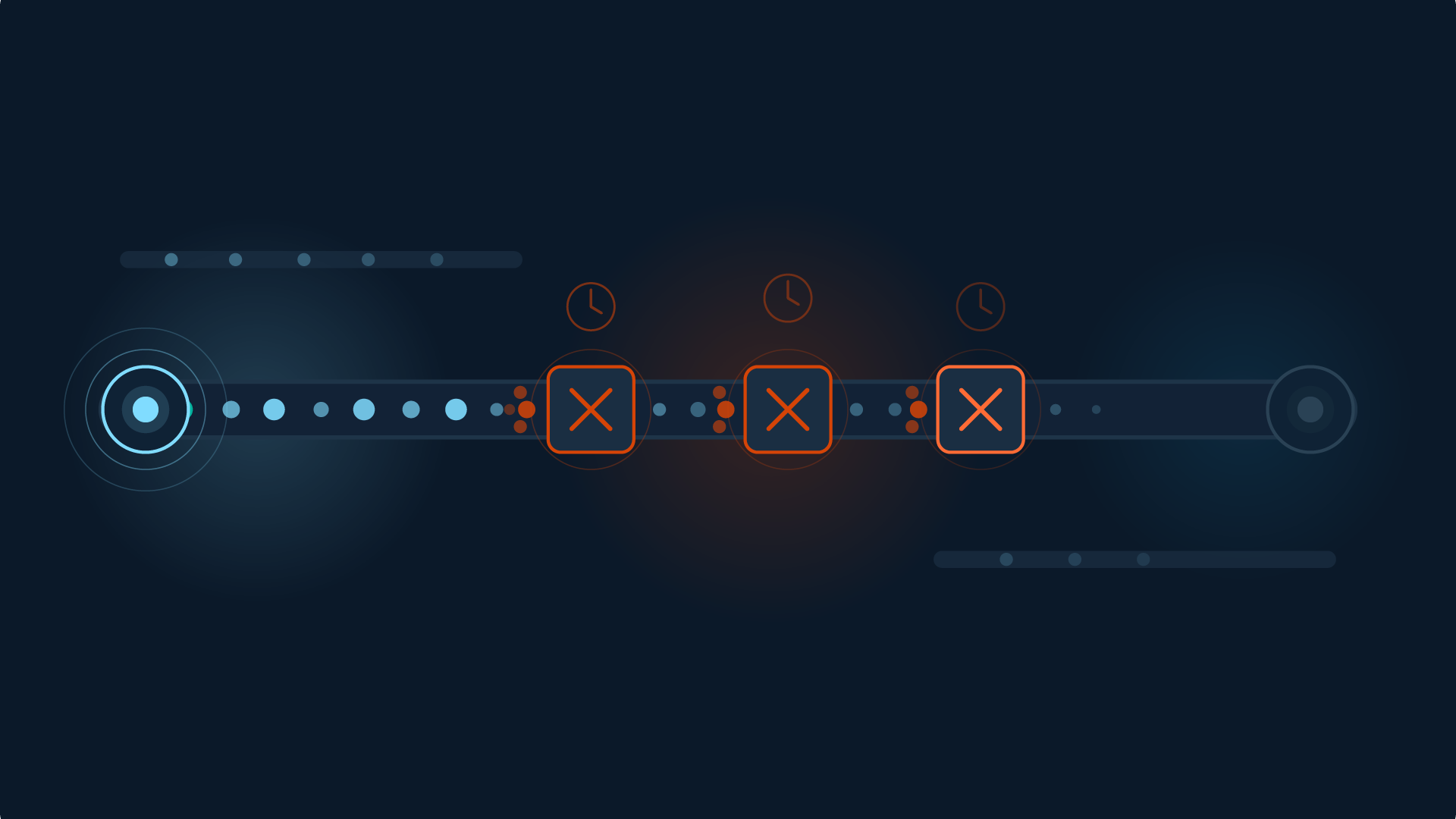
Here are five reasons delivery approval takes longer than it should, and what each one costs you.
1. Missing Deliverables
What Can Go Wrong:
The package arrives, but it isn’t complete. A required asset didn’t make it into the upload; a textless master, a 5.1 surround mix, a caption file, an artwork bundle that didn’t get submitted. Each delivery order includes a list of expected materials, and that list is rarely just the master file.
Impact For You:
Everything stalls while you locate the missing piece, prep it, and re-upload. If the missing element has to be re-derived from source, with a new export, a new mix, and freshly conformed caption file, the timeline grows beyond just the upload itself. Meanwhile, the rest of the package sits in content requesters storage waiting on the missing piece, and your slot in their queue is no longer guaranteed.
2. Incorrect Names
What can go wrong:
File naming is where automation lives. Receivers’ downstream systems read the filename and route the file accordingly. A single misplaced character can break the routing. The package gets flagged before it ever reaches QC.
Impact for you:
These feel especially frustrating because the content is fine. You re-export or rename, re-run any automation, and explain to a client or exec why something this small held things up. The technical work was solid. The label was wrong. That distinction doesn’t always travel cleanly to the people upstream of you, who only see that the delivery slipped.
What can go wrong:
The receiver’s spec calls for a specific container, codec, and wrapper combination, but what you sent isn’t quite it. It might be ProRes 422 instead of 422 HQ, or mezzanine MOV when the spec required MP4. The content is technically intact, but the format wrapper means downstream systems can’t ingest or route it correctly.
Impact for you:
The fix is a re-export, just a different output format. Some re-exports take minutes; others can take hours. Whatever you had lined up to work on next gets delayed.
4. Incorrect Technical Specs
What can go wrong:
Some failures don’t show up on playback. The file looks and sounds correct on your monitor, but the bit rate is below spec, the number of audio tracks is wrong, the color metadata is wrong, or the audio sample rate doesn’t match what the spec calls for. These are invisible to the eye but can hamper approved delivery nonetheless.
Impact for you:
When the rejection note comes back, the second-guessing starts. If we missed this, what else did we miss? QC processes get reviewed under pressure, often checking the master file first, but the other deliverables are needed too. Trust in your own pipeline takes a hit even when the pipeline is mostly fine.
5. Working from Out-of-Date Delivery Documentation
What can go wrong:
The deliverable doc you got at the start of the project may have been updated since. Content requesters refine their specs regularly: new asset requirements, codec changes, refined naming rules. If you’re working from a saved PDF or a printed copy, you may be building to last quarter’s target.
Impact for you:
This is the worst kind of waste. The work itself was good. You did everything right by the specs you had. But the specs you had aren’t current, so you’re starting over on something that wasn’t really wrong. Two cycles of effort for one delivery.
Fast Files Aren’t Enough
The fastest delivery is the one that doesn’t need to be redone. Sending large files fast doesn’t help if the package fails QC and you’re back to square one. And the real cost of a rebuild is rarely the rebuild itself — it’s the work you had to interrupt to get to it.
I’ve been on the supplier side of this. For a long stretch of my career, I delivered hundreds of programs to PBS, National Geographic, and other broadcasters. I knew the deliverables cold. I had checklists and people I trusted, and I still made mistakes — usually dumb ones, the kind you kick yourself about later. The annoying, avoidable, very human kind. Each one meant a late night and an apology I shouldn’t have had to make. Catching any of it before the file moved would have saved me hours, sent me home sooner, and made the job feel a lot less like crisis management.
If you are sending multi-asset, multi-format content packages that don’t have a pre-submission validation service, and your content requesters don’t use one, ask them about it. The benefit runs both ways. Signiant Verify is one way to ensure complete, correct content. It runs validation at the moment of submission, before transfer begins. The failures like these get caught immediately: missing assets, naming errors, wrong formats, technical spec mismatches. And because the receiver defines the spec once in Verify, suppliers always work from the current version. You see the specific problem and how to fix it in seconds, not days.
Another way Signiant accelerates content flow.
Talk to us about Verify and get a demo