When a Hard Drive Beats File Transfer (and When It Doesn’t)
The Fast Take: The right call comes down to distance, volume, and who’s waiting. A drive can win for terabytes going a short hop on a fast local link. For anything remote or time-sensitive, transferring the file beats shipping the drive, and lands the footage where the whole team can reach it.
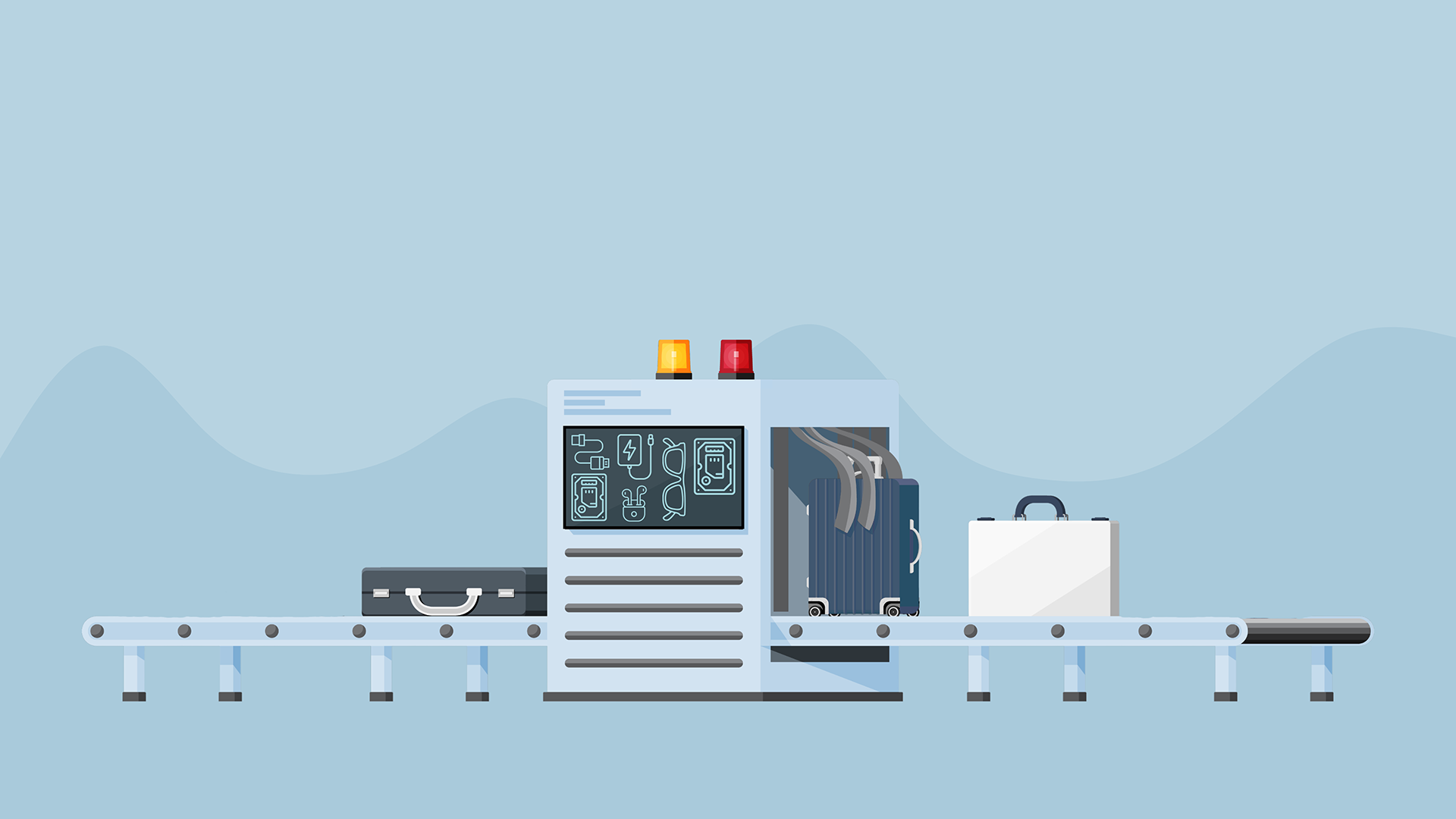
A colleague of mine here at Signiant learned this the hard way. Years ago, he was overseas, waiting on an offline edit, due to bring the show home for online, grade, and a last-minute broadcast. The minute the cut locked, he headed to the airport with a single drive in his bag: the edit project and the high-res sources, the entire show. Security stopped him. They held him for eight hours, and then they kept the drive.
He was the trusted courier, the careful, hand-carried, “I’ve got it” version of the workflow, and the show still never made it into his seat. That’s the quiet truth about moving footage on a drive: the work is finished the moment the camera stops, but what happens to it next depends on a courier, a customs officer, a flight, and a piece of hardware all cooperating at once.
The Weakest Link Hasn’t Changed
That was years ago, but the vulnerability is still the same. It still feels safe to hold the drive, and it usually is OK until it isn’t. There are really only two ways to move footage: carry the drive, or move the file and leave the hardware where it is, and the whole game is knowing when to do which.
If that sounds like a story from another era, consider what happened this July. Netflix was hit with a $105 million lawsuit after a hard drive holding an unencrypted master of Fortitude, an unreleased WWII thriller starring Nicolas Cage, was stolen from a desk at its Los Angeles office. The drive had been hand-delivered for a screening. Different decade, same weakest link: the moment footage lives on a physical object someone has to carry, hand off, and hope no one touches, the whole production is riding on that object.
The Real Cost of Moving Footage on a Hard Drive
Moving footage on a drive costs you time, not money: the delay while it travels, and the blind spot until it is mounted. Your footage is not the fragile part; the DIT already checksum-verified it at the offload. The trip is the fragile part, and the trip is where it costs you. While the drive is in transit, your edit waits.
There is also a gap nobody likes to talk about. Until the drive arrives and someone mounts it, no one actually knows what is on it. A drive that traveled for three days can still turn out to be missing files or carrying a card that was copied while it was still being written. The real verification often happens after production has left the location, which is the worst possible moment to discover a problem.
And the meter runs while you wait. With a proxy pipeline you can cut offline on dailies, but the online, the conform, the VFX pulls, and every full-res review still wait on the originals. With no proxy pipeline, everything waits. At a big studio the second meter is a union driver making set-to-post runs; at a smaller shop it is you, burning a billable day driving across town instead of cutting. The drive feels free because you already own it. The logistics around it are not.
When a Hard Drive Still Wins
None of this makes the drive obsolete. An ARRI ALEXA 35 shooting ARRIRAW at its full 4.6K sensor writes about 2 TB an hour at 24 fps, so one camera fills multiple terabytes in a shooting day, and a multicam shoot many times that. If all of it only has to go across town and your 1 Gbps connection would take days to move it, a car beats the network. Physics does not care about your subscription, and you should not wait on a transfer just to prove a point. The drive earns its place when the hop is short, the volume is huge, and no one downstream is waiting. Even then, the risk in transit is yours.
Sending Footage From the Field Changes the Math
The moment your footage has to reach people who are not in the room, transferring it changes the math. Sending footage from the field, sometimes called field-to-edit ingest, means pushing media from the location straight to your central storage over whatever connection you have, instead of copying it to a drive and carrying it.
The file moves from the field over whatever connection you have while the crew sleeps, resuming automatically if the link drops. When you send it with Signiant, every file arrives checksum-verified so the far end knows it is complete the moment it lands, not days later, with a record of exactly what moved and when. Your crew still keeps its backup copies. You just stop waiting on them to arrive.
Editors start cutting the day media is shot. The footage arrives faster, landing where your whole team can reach it, wherever they are in the world. The drive made your content something you carried from place to place; transferring it over the internet makes it something everyone can use the moment it exists. That is the shuffle worth retiring: the days you spend waiting on a drive, not the drive itself.
Factor | A drive wins when… | File transfer wins when… |
|---|---|---|
Distance / location | A short, controlled trip: same city, crew on hand | Footage is remote, crews are spread out, or it crosses borders |
Volume vs. bandwidth | Many terabytes on a slow or limited link, so hand-carrying gets it there sooner | Your connection can move it in the time you have |
Time to first use | No one downstream is waiting, and a day in transit is fine | Editors, partners, or clients need to start now |
Security / chain of custody | The content is sensitive enough to keep off any network: air-gapped, encrypted, hand-carried | You need encryption, access control, and a logged record of what moved |
Reliability | You’ll hand-verify the files on arrival | You want checksum-verified arrival and auto-resume if the link drops |
Moving media on a tight schedule? Here is how teams keep footage flowing when the clock is the enemy
The Takeaway
The show did make air, but only because my colleague had copied the entire edit onto an iPod, back when it still mounted as a drive, and kept it in his pocket. A drive that was not a drive. Some instinct told him not to trust everything to one object in a bag, and he was right.
The lesson is simple: you should not have to smuggle a backup copy in your pocket to protect a show. The drive in the bag was always the weakest link, the one part of a modern production that still relied on a courier, a customs officer, and a piece of spinning hardware all cooperating at once. Keep the drive for the short, heavy, local hop where it genuinely wins. For everything else, move the file, not the drive.